


Why Carousels Outperform Everything Else on LinkedIn
The LinkedIn algorithm rewards two things above all others: dwell time and saves. Carousels naturally produce both. When someone swipes through ten slides, they spend 30 to 90 seconds on your content. A text post gets three seconds. A static image gets five. The dwell-time gap is enormous, and the algorithm notices.
Saves are even more telling. People save carousels because they want to come back to them. That signal tells LinkedIn the content is high value, which expands the post's reach to second and third-degree connections. The compounding effect is that one good carousel can outperform a month of text posts in total impressions.
The catch has historically been the production cost. A well-designed carousel used to require a designer or hours in Canva, Figma, or Photoshop. That is no longer true. Modern LinkedIn PDF carousel creators handle the design layer automatically so the founder only has to provide the content.
What a LinkedIn PDF Carousel Creator Actually Does
The best tools in this category combine three layers that used to be separate.
Template-driven design. You pick a template, type your content, and the layout adjusts automatically. No alignment, no font pairing, no color decisions. The output looks consistent because the templates are pre-designed by someone who knows what works on LinkedIn.
PDF generation. LinkedIn carousels are technically PDF documents uploaded as document posts. A good creator generates the PDF in the correct dimensions (1080x1350 for vertical, 1200x1200 for square), with the right page count (usually 7 to 10 slides), and uploads it directly through the LinkedIn API.
Native scheduling. The PDF should not just be created. It should be scheduled directly to your LinkedIn account, with the post copy attached, ready to publish at the right time. Tools that make you download the PDF and upload it manually defeat the purpose.
The 5-Slide Carousel Framework That Always Works
You do not need ten slides for a carousel to perform. Five well-structured slides outperform ten weak ones. Here is the framework that ships consistently.
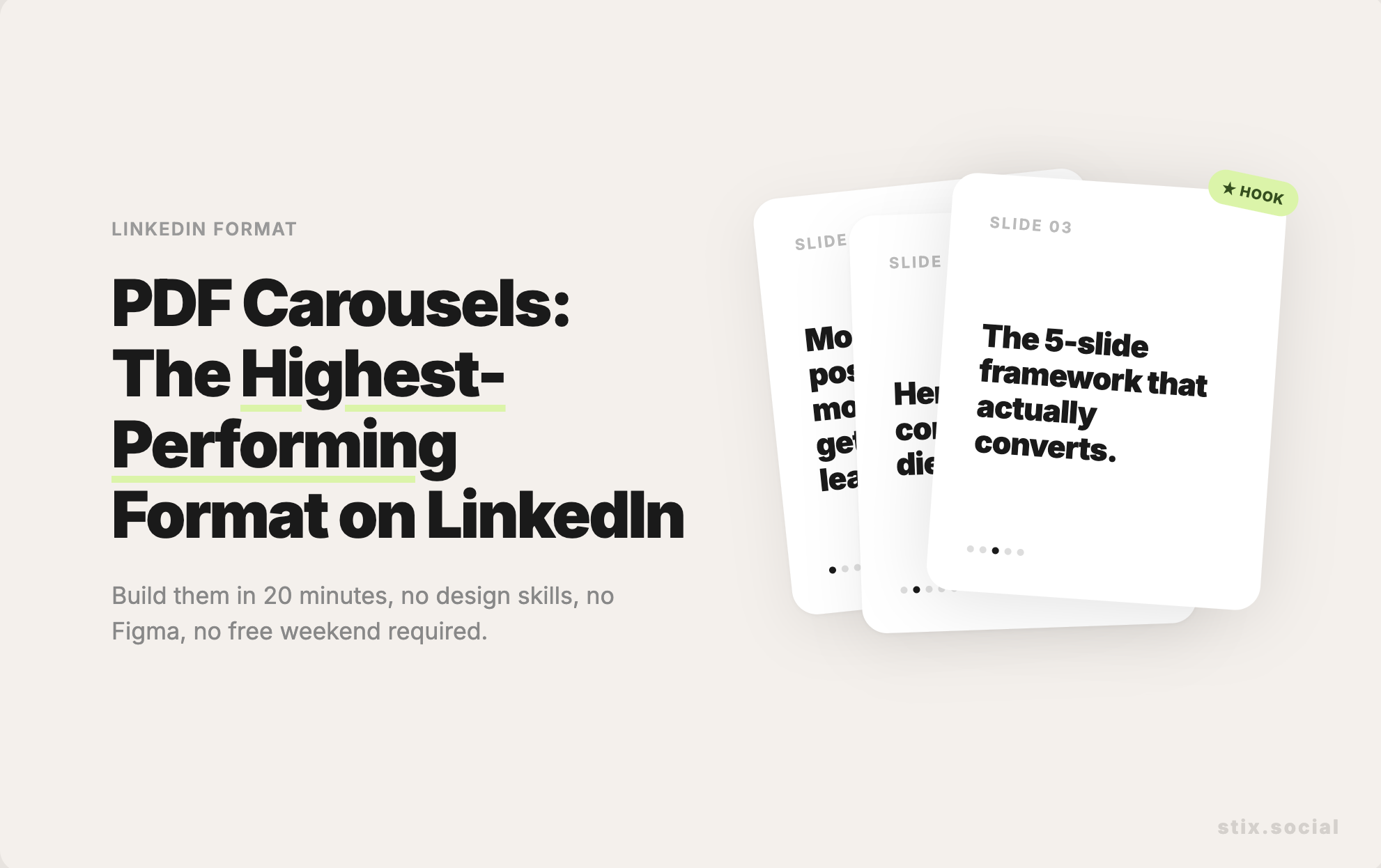
Slide 1: The hook. A bold claim or a counterintuitive statement. "Most founders post on LinkedIn for 18 months before they generate a single inbound lead. Here is why." The slide should be readable in two seconds and create enough curiosity to make someone swipe.
Slide 2: The problem expanded. Make the pain specific. Use numbers if you have them. "You spend 5 hours a week writing content. You get 200 impressions per post. Your conversion rate from impression to call is 0.001%."
Slide 3: The reframe. Show why the obvious solution does not work. "Posting more does not fix this. Posting better does not fix this. The real issue is that LinkedIn forgets your content in 24 hours."
Slide 4: The actual answer. Give the framework, the system, or the specific tactic. This is where you deliver real value. Bullet points work well here.
Slide 5: The CTA. Tell them what to do next. "If you want a system that does this for you, here is where to start." A soft CTA outperforms a hard pitch every time.
The Content Decisions That Make Carousels Convert
The design layer matters less than founders think. The content decisions matter more. Three rules separate carousels that convert from carousels that just look nice.
One idea per slide. If you cannot summarize the slide in one sentence, you have two ideas and you need to split them. Carousel slides are not paragraphs. They are headlines with optional supporting evidence.
Text large enough to read on a phone. 80 percent of LinkedIn traffic is mobile. If your text is smaller than 32 points, half your audience will swipe past without reading. Most templates default to text that is too small. Override it.
The first slide does the work. If slide one does not stop the scroll, slides two through ten do not exist. Spend more time on the first slide than the other nine combined.
How to Ship a Carousel in 20 Minutes
The full workflow inside a modern LinkedIn-first tool looks like this. Pick a template that matches your brand. Open the AI assistant and paste in a topic, an idea, or an old text post you want to expand into a carousel. Review the generated slides and edit any that feel weak. Adjust the cover slide so the hook lands. Schedule the carousel for the next morning and move on.
The reason this works is that the bottleneck for most founders is not design or writing. It is decisions. A template removes design decisions. An AI first draft removes blank-page decisions. Native scheduling removes upload decisions. What used to be a four-hour workflow becomes a 20-minute one.
Why Built-In Beats Standalone
You can use a standalone carousel tool like Canva or PostNitro, then export the PDF, then upload it manually to LinkedIn or to a separate scheduler. That works, but it adds 15 minutes per carousel and three places where you can drop the workflow.
The better approach is a tool that has carousel creation built into the same product as your scheduler and your content library. Stix does this natively. You build the carousel inside Stix, schedule it in the same flow, and recycle it back into rotation three months later when the topic is still relevant. No exports, no uploads, no broken workflows. See how Stix's carousel creator works and ship your first one this week.
The Bottom Line
LinkedIn rewards the format that is hardest to produce. That used to mean carousels were a privilege of agencies and designers. With a built-in PDF carousel creator inside a LinkedIn-first scheduler, the production cost drops to almost nothing. The founders who figure this out in 2026 will own the feed. The ones who keep posting plain text will wonder why their reach is flat.