


Why LinkedIn Carousels Outperform Everything Else
LinkedIn carousels, also known as PDF documents or slide posts, consistently generate the highest engagement rates of any content format on the platform. The reason is rooted in how the LinkedIn algorithm measures quality. Carousels maximize dwell time because readers swipe through multiple slides, spending 30 to 90 seconds on a single post. They generate saves because readers want to return to the practical advice later. And they encourage shares because a well-designed carousel is a self-contained piece of value that people want to pass along to their network.
The algorithm treats all of these signals as strong indicators of content quality. A carousel that keeps someone swiping for 60 seconds sends a stronger signal than a text post that gets a quick like and scroll-past. This is why carousels consistently reach more people than other formats, even for accounts with smaller followings.
The Anatomy of a High-Performing LinkedIn Carousel
Every effective LinkedIn carousel follows a predictable structure. Understanding this structure makes creating them faster and more reliable.
Slide one is the cover. This is what people see in the feed before they start swiping. It needs a headline that promises a specific benefit or triggers curiosity. Think of it as the hook of a text post but visual. A weak cover slide means nobody swipes. A strong cover slide pulls readers in.
Slide two is the problem or context. Before you deliver solutions, establish why the reader should care. Frame the problem your audience faces or set up the question you are about to answer. This creates the tension that motivates them to keep swiping.
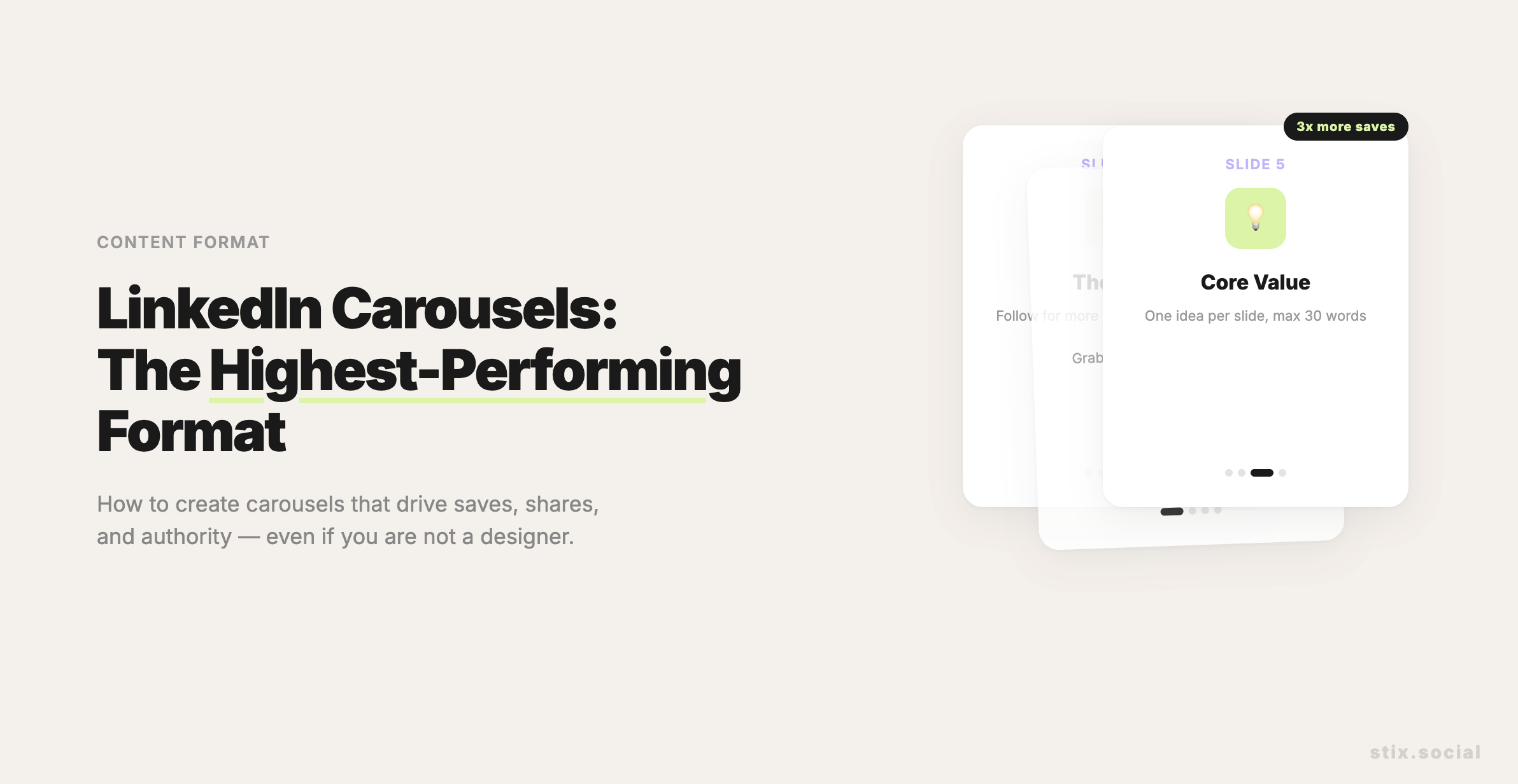
Slides three through eight are the core content. This is where you deliver the value. One idea per slide. Keep text to a minimum, ideally under 30 words per slide. Use large fonts and clear hierarchy. Each slide should be understandable on its own but flow naturally from the previous one.
Slide nine is the summary. Recap the key points in a checklist or numbered list. This is the slide people screenshot and save. Make it scannable and self-contained.
Slide ten is the call to action. Tell readers what to do next. Follow for more, visit a link in your profile, comment with their experience, or save the post for later. A carousel without a CTA wastes the attention you earned.
Design Principles for Non-Designers
You do not need to be a graphic designer to create effective LinkedIn carousels. The most successful carousels use simple, clean designs with consistent branding. A few principles make the difference between professional and amateur.
Use consistent colors throughout the deck. Pick two or three brand colors and stick with them. This creates visual coherence and makes your carousels recognizable in the feed over time. Choose one readable font and use it at two sizes: a headline size and a body text size. Avoid decorative fonts that sacrifice readability for style. Leave plenty of white space. Crowded slides feel overwhelming on mobile. Give your text room to breathe.
Use simple shapes and icons to illustrate points rather than stock photos. Abstract visuals age better and look more professional than generic stock imagery. And maintain a consistent layout template across slides so readers can focus on the content rather than adjusting to a new design on every swipe.
Content Ideas That Work as Carousels
Not every topic translates well to the carousel format. The best carousel content is structured, sequential, and actionable. Step-by-step frameworks make excellent carousels because each step becomes a slide. Comparison posts work well, like five things that work versus five things that do not. Myth-busting formats where each slide addresses a different misconception are highly engaging. Checklists and resource lists generate strong saves because readers want to reference them later.
Topics that are purely opinion-based or narrative-driven typically work better as text posts. If the content does not benefit from visual structure and sequential delivery, a carousel adds complexity without adding value.
How to Create LinkedIn Carousels Efficiently
The biggest barrier to carousel creation is not design skill. It is the time investment. Creating a carousel from scratch in Canva or Figma takes 30 to 60 minutes per post. For founders posting three times per week, that is unsustainable.
The most efficient approach is template-based creation. Build or choose a carousel template with your brand colors, fonts, and layout. Then swap out the content for each new post. With a template, creation time drops to 15 to 20 minutes per carousel.
An even faster approach is AI-assisted carousel creation. Tools like Stix include a built-in AI-powered PDF carousel creator. You describe the topic and select a branded template. Stix generates the complete slide deck, ready to publish. This reduces creation time to under five minutes per carousel and eliminates the design bottleneck entirely.
Carousel Posting Strategy
Carousels should be part of your content mix, not your entire strategy. A good rhythm is one to two carousels per week mixed with text posts and other formats. This gives your feed variety while taking advantage of the carousel format's algorithmic advantages.
Post carousels during your highest-engagement time slots. Because carousels generate longer dwell times, they benefit more from reaching an active audience. The initial swipes in the first 60 minutes signal quality to the algorithm and determine whether your carousel gets expanded distribution.
Always include a text caption with your carousel. The caption provides context, sets up the topic, and gives the algorithm text to index. A carousel with no caption or a one-line caption misses an opportunity to boost discoverability and engagement.
Key Takeaways
LinkedIn carousels outperform all other content formats because they maximize dwell time, saves, and shares. Follow a proven structure: cover slide, problem, core content with one idea per slide, summary, and CTA. Keep design simple and consistent with your brand colors and fonts. Best carousel topics are frameworks, comparisons, myth-busting, and checklists. Use templates or AI tools to reduce creation time from 60 minutes to under five. Mix carousels with other formats and always include a text caption for maximum reach.