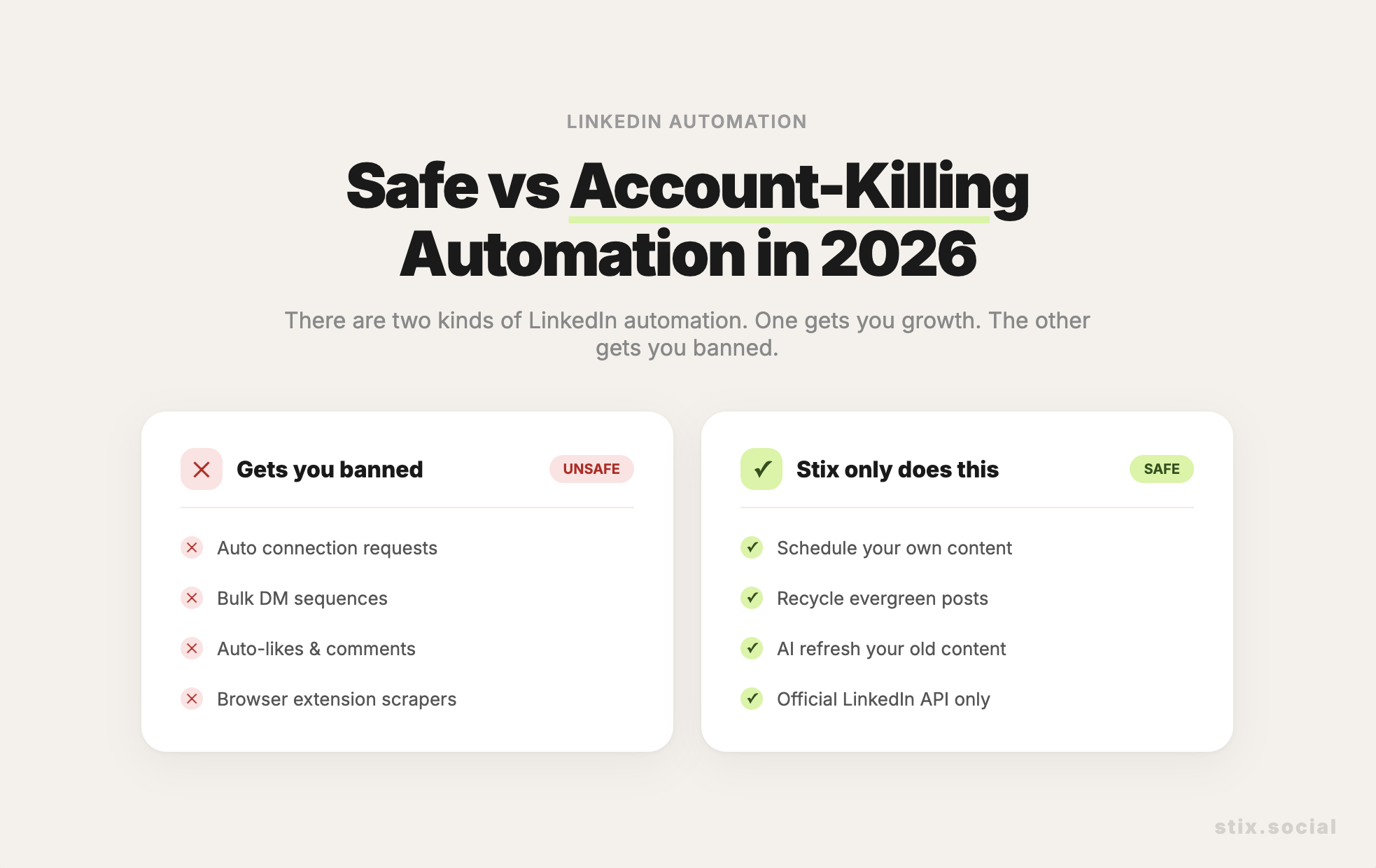




Carousels work because of Dual Coding Theory. Humans process information better when it is presented both visually and verbally. A carousel allows you to break a complex idea into bite-sized visual chunks.
But staring at a blank slide deck is paralyzing. You get stuck on "What goes on Slide 3?"
The secret is to separate the Scripting from the Designing. Use AI to write the script first.
The 'Slide Deck' prompt
The Prompt:
"I want to turn the topic '[Insert Topic]' into a 10-slide LinkedIn carousel.
Please write a slide-by-slide outline:
- Slide 1 (Hook): A catchy title and subtitle.
- Slide 2 (The Problem): Agitate the pain point.
- Slides 3-8 (The Solution): Break the advice into step-by-step tips. One tip per slide. Keep text under 20 words per slide.
- Slide 9 (Summary): A checklist of what we learned.
- Slide 10 (CTA): A final prompt to follow me.
Keep the text punchy and visual."
From text to visuals
Once you have this outline, the design is easy. You just copy-paste the text into Canva or Figma. The hard part—the structure—is done.
At Stix, we are building tools to help import these kinds of assets, but starting with a solid script is 90% of the battle.